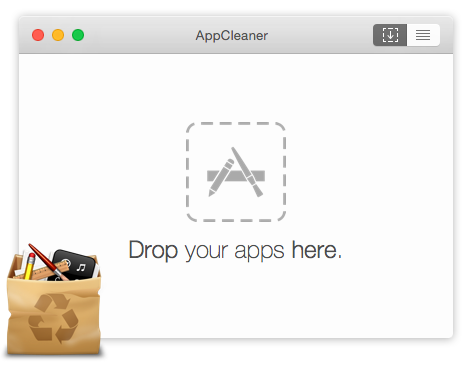
AppCleaner

AppCleaner

Thoroughly uninstall unwanted macOS apps. Finds and safely removes every hidden file left behind.

Install
~
Free Safe Fast v3.6.8

New to Terminal?

Follow these simple steps — it only takes a minute.

1

Open Terminal

Terminal is a built-in macOS app. Open it in one of two ways:

Option A: Press ⌘ Cmd + Space, type Terminal, and press Enter.

Option B: FinderApplicationsUtilitiesTerminal.
2

Install AppCleaner

Paste this single command and press Enter:

~
3

Launch & Enjoy

Open Launchpad or check Applications in Finder — AppCleaner is ready.

Tip: Launch it right from Terminal:
~ open -a AppCleaner
Video walkthrough
Watch the full installation in about 20 seconds.

Why AppCleaner?

A lightweight tool that does one thing perfectly.

Deep Scan

Finds caches, preferences, logs, plugins, and containers

Drag & Drop

Drop any app onto the window — it handles the rest

100% Free

No ads, no trials, no hidden fees — free forever